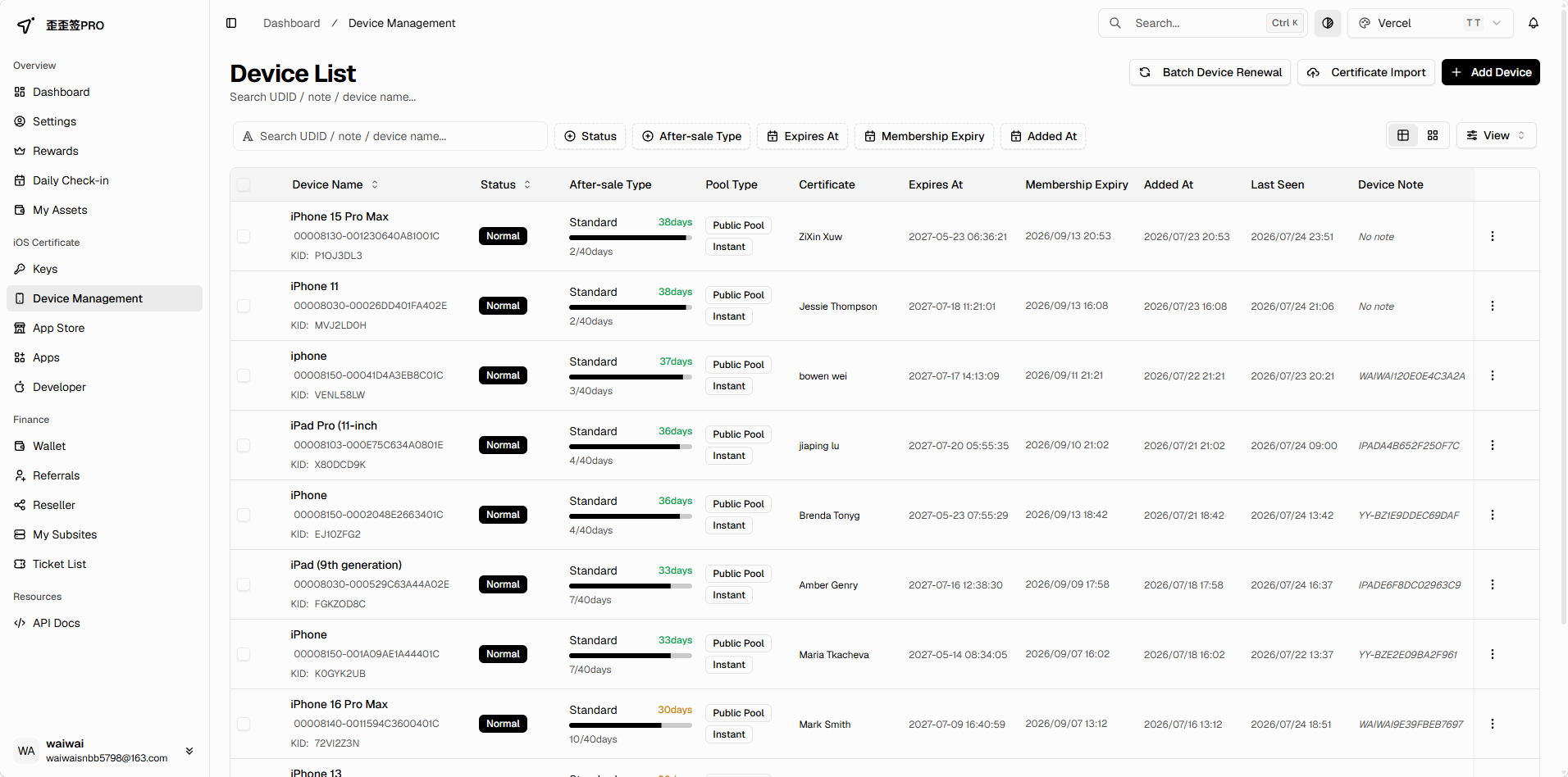
Signed right after payment
Instant
Enough balance and a UDID — that is all it takes. No review queue.
- Issued in seconds, no manual review
- Certificate details land in your console at once
- Failed signing costs nothing — balance is returned
iOS device certificates
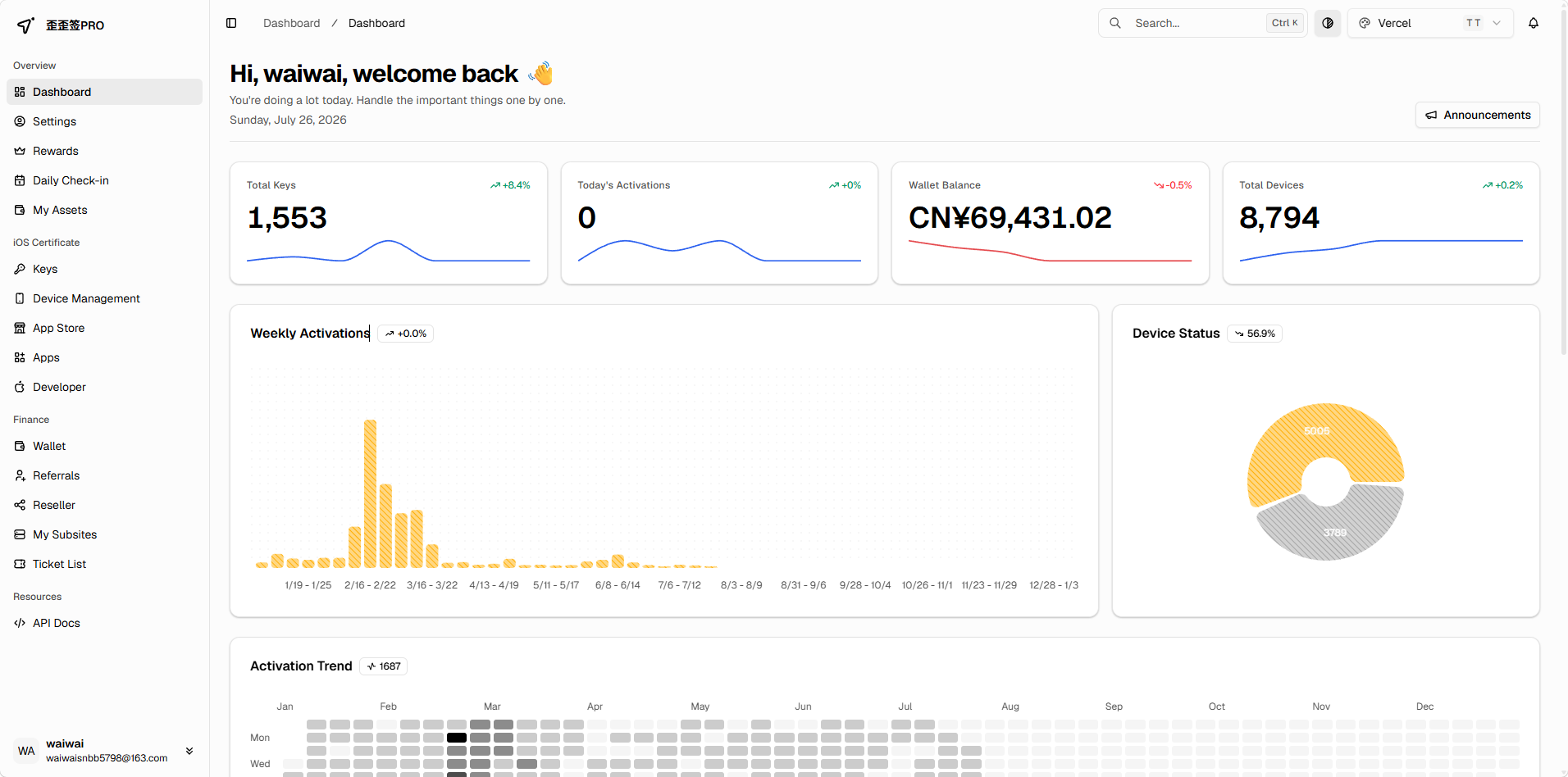
From order to install, nothing waits on a human.
Signing happens automatically after payment — instant or scheduled, your call. Every certificate is checked daily, and the moment yours is revoked you get an email. If a device cannot be added, the balance goes straight back.
Certificates
Need the app running now — pick Instant and it is signed on payment. Can wait — pick Scheduled, queue for a steadier slot and pay less. Devices close to expiry can book a renewal that lands on the day.
Signed right after payment
Enough balance and a UDID — that is all it takes. No review queue.
Issued in your chosen slot
Pick a certificate and a time slot and queue for it. Usually steadier, priced accordingly.
Renewed on expiry day
Book a renewal for a device you already have; a fresh certificate is issued on the expiry date.
Available certificate types and prices are whatever the order page shows.
How it works
Sign up, top up, submit the UDID, install the profile. Every step is guided, and a ticket is one tap away if you get stuck.
An email address is enough. The console runs in Simplified Chinese, Traditional Chinese, English, Vietnamese and Arabic.
WeChat Pay, Alipay, EPay or USDT TRC20. Funds land instantly and a confirmation email follows.
Paste the UDID you grabbed in Safari, pick Instant or Scheduled. Failed signing is refunded.
Once the certificate is signed, install the profile as prompted and the app opens normally.
Get UDID
The UDID is the unique ID of your device, and a certificate cannot be signed without it. Open the lookup page in Safari, install one temporary profile, and you have it in about thirty seconds.
The lookup only reads the device identifier. It never touches contacts, photos or any other private data.
Revocation
Revocation comes with the territory. What we can do is catch it immediately, tell you immediately, and keep every cent accounted for.
Every certificate on the platform is scanned on a daily schedule. A revoked device is flagged at once — no reopening the app to find out.
As soon as revocation is detected you get an email listing the affected devices, so you can re-sign straight away.
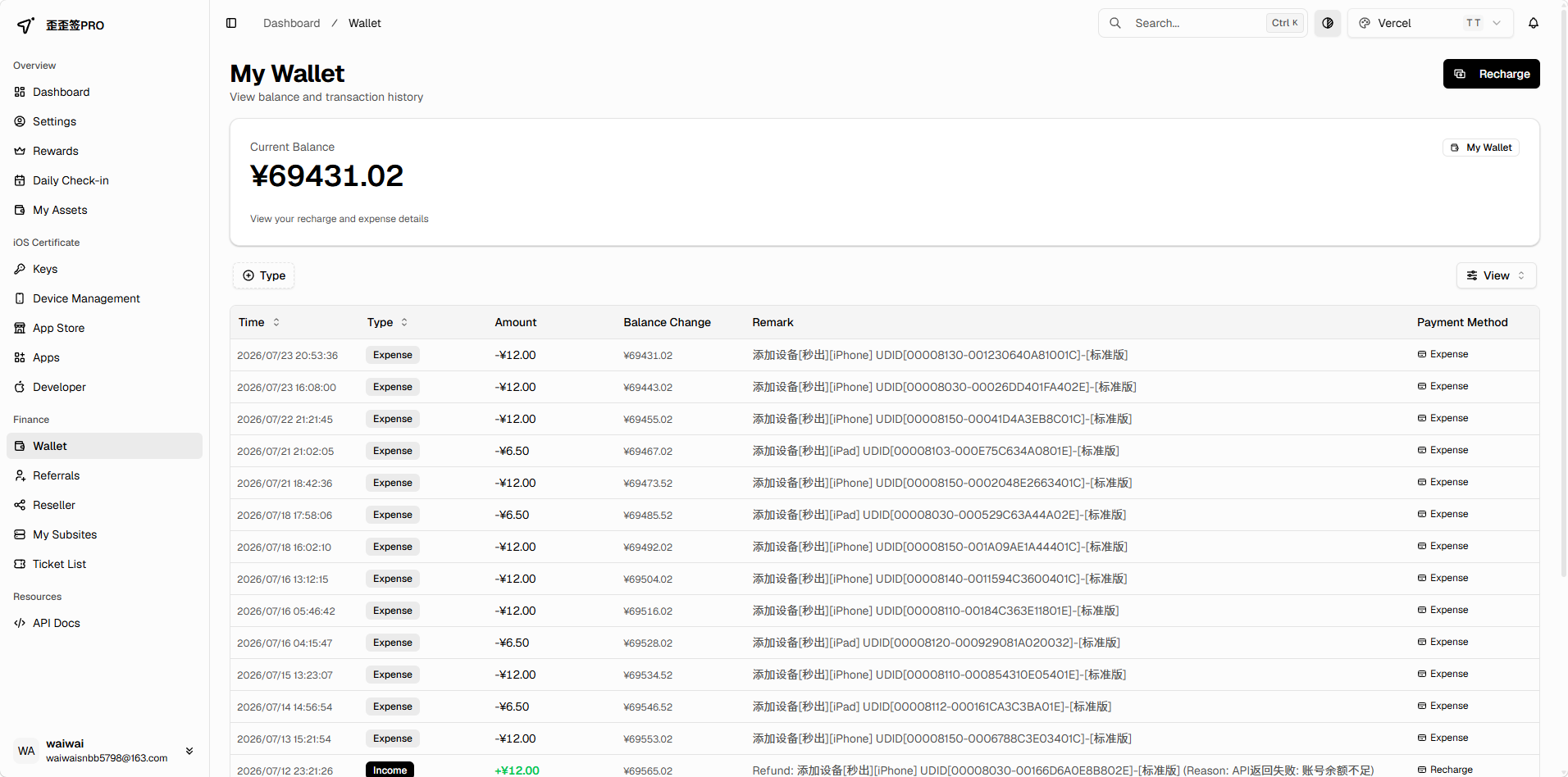
When a device cannot be added, the balance comes straight back. Never over-charged, under-charged or pushed negative, and every order stays traceable.
Anything the automation cannot settle goes to a ticket — a chat-style thread with support, delivered in real time.
Every order and balance change is recorded in full in your console.
Email alerts
Certificate issued, device revoked, expiry coming up, top-up landed, support replied — each one arrives as an email on its own.

歪歪签PRO
Certificate issued
Sent the moment signing succeeds, with certificate details and validity so you can install from the email.
歪歪签PRO
Revocation alert
Pushed as soon as one of your devices is found revoked, listing what is affected.
歪歪签PRO
Renewal reminder
Sent ahead of expiry, with every device expiring in the next 30 days and a renewal link.
歪歪签PRO
Top-up confirmed
Sent after a successful top-up with the amount and the resulting balance.
歪歪签PRO
Ticket reply
Emailed when support replies, so you are not refreshing the page.
歪歪签PRO
Scheduling outcome
Sent when a scheduled request is reviewed, with the reason whether approved or declined.
Each email alert can be switched on or off in your account settings.
Payments
The balance is ready for orders right away, and every payment and charge is on record.
Official integration. Scan and pay — no manual confirmation needed.
Official integration, supporting both QR codes and in-app redirects.
Aggregated third-party channel covering more scenarios, as a fallback when official rails are unavailable.
Credited automatically after on-chain confirmation — handy from abroad.
The payment methods actually enabled are whatever the top-up page shows.
0+
payment methods
0
languages
0
days a year, checked daily
0%
of failures refunded
What people say
Feedback from iOS users across regions.
Nạp USDT xong là dùng được ngay, chứng chỉ cấp gần như tức thì. Có thay đổi gì cũng được báo qua email, rất yên tâm.
The revocation email arrived before any of my testers noticed anything was wrong. Re-ordering took about two minutes.
The expiry reminder comes with a renewal link, so I just tap it and the new certificate is issued on the day. Saved me twice.
Nạp USDT xong là dùng được ngay, chứng chỉ cấp gần như tức thì. Có thay đổi gì cũng được báo qua email, rất yên tâm.
The revocation email arrived before any of my testers noticed anything was wrong. Re-ordering took about two minutes.
The expiry reminder comes with a renewal link, so I just tap it and the new certificate is issued on the day. Saved me twice.
واجهة عربية كاملة، والدفع بـ USDT يُقيَّد تلقائياً بعد تأكيد الشبكة. وصلت الشهادة في نفس اليوم دون أي تواصل يدوي.
UDID 등록부터 프로파일 설치까지 15분 정도 걸렸습니다. 매일 인증서 상태를 확인해 주니 신경 쓸 일이 없어요.
Hướng dẫn lấy UDID bằng Safari rất rõ, không cần máy tính. Chọn khung giờ đặt lịch xong chỉ việc chờ email.
واجهة عربية كاملة، والدفع بـ USDT يُقيَّد تلقائياً بعد تأكيد الشبكة. وصلت الشهادة في نفس اليوم دون أي تواصل يدوي.
UDID 등록부터 프로파일 설치까지 15분 정도 걸렸습니다. 매일 인증서 상태를 확인해 주니 신경 쓸 일이 없어요.
Hướng dẫn lấy UDID bằng Safari rất rõ, không cần máy tính. Chọn khung giờ đặt lịch xong chỉ việc chờ email.
FAQ
If yours is not covered, open a ticket after signing up and ask us directly.
Open our UDID lookup page in the built-in Safari browser on your iPhone or iPad and install the temporary profile when prompted — the page then shows the UDID directly. In-app browsers such as WeChat or QQ cannot read the device, so please use Safari.
Sign up, top up, submit your UDID — the certificate is usable the same day.
Instant or scheduled · Revocation alerts · Refunds on failure